Step note status
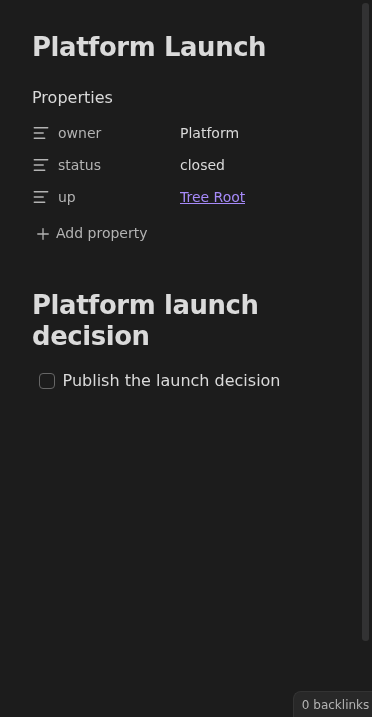
Two commands step the active Markdown note along the status chain none → open → closed by updating its frontmatter.
How to use it
Section titled “How to use it”With a Markdown note open, run Tasks Eye: Set note status: Next or Tasks Eye: Set note status: Previous.
The commands move through no status → open → closed. Previous from open
removes the status property; Next from closed leaves it closed. A missing
status still behaves as open on the boards, so removing it does not hide the note.
Other properties and note content are preserved. Closing the note does not complete its tasks: Inbox will still flag any unchecked work.
Rules and details
Section titled “Rules and details”- The previous and next status commands are registered without default hotkeys.
- The next command moves the note one step forward and the previous command moves it one step back along
none → open → closed. - Stepping back from
openremoves thestatusproperty entirely; stepping forward from no status setsopen. - At either end, the status stays as it is: forward from
closedand back from no status do nothing. - An unsupported status value is repaired: forward sets
openand back removes the property. - The commands work in editing and reading views for any active Markdown note, including notes outside the configured notes folder.
- Other frontmatter properties, note content, and task checkboxes are preserved.
- Invalid YAML is left untouched and produces an error notice.
What it looks like
Section titled “What it looks like”Step the active note forward to Closed
Section titled “Step the active note forward to Closed”