Markdown in board tasks
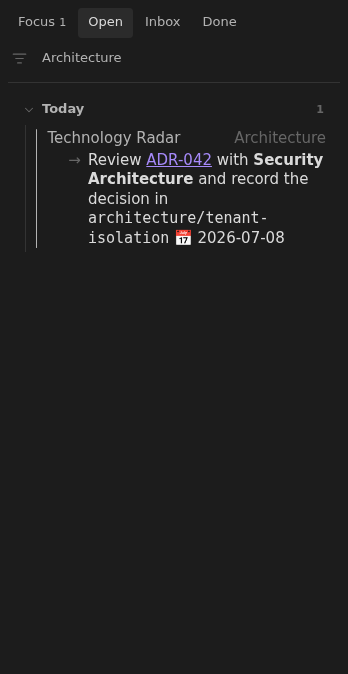
Task text keeps its links, emphasis, and inline code when shown on the board.
How to use it
Section titled “How to use it”Task text on the board keeps its internal links, emphasis, and inline code. Open a linked note directly from the task, or use the note title to return to the full document.
Links resolve as they do in the source note, so moving between the board and the note does not change their destination.
Rules and details
Section titled “Rules and details”- Internal links render as Obsidian links instead of raw wiki-link syntax.
- Emphasis and inline code retain their native Markdown presentation.
- Links point to the same notes they would from the original task.
- The rendered action continues to expose its normal task controls.
What it looks like
Section titled “What it looks like”Markdown-formatted architecture task
Section titled “Markdown-formatted architecture task”