Create a note
The creation command chooses a location in the notes folder, creates an open Untitled note, and opens it for editing.
Why it matters
Section titled “Why it matters”Obsidian’s standard new-note command does not know which notes folder Tasks Eye reads or which frontmatter makes a note immediately actionable. The Tasks Eye command supplies both while leaving the result as ordinary Markdown.
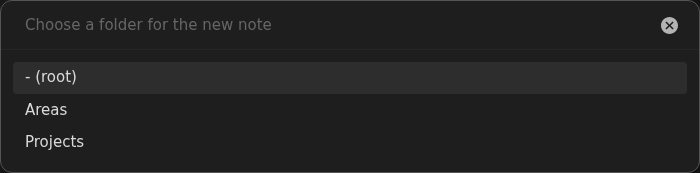
Folder selection is the only prompt because the note title can be decided while
editing. Tasks Eye generates Untitled.md, adds a numeric suffix when needed,
initializes the note as open, and opens it immediately. The notes folder root is
the default capture location; notes left there are reported in Inbox until they
are moved into a context folder. Users who want faster capture can assign the
recommended hotkey to
Tasks Eye: Create note in
Obsidian’s Hotkeys settings.
What to expect
Section titled “What to expect”- The command is registered without a default hotkey.
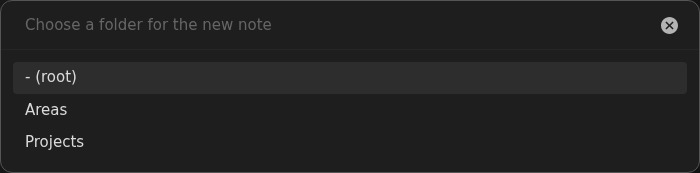
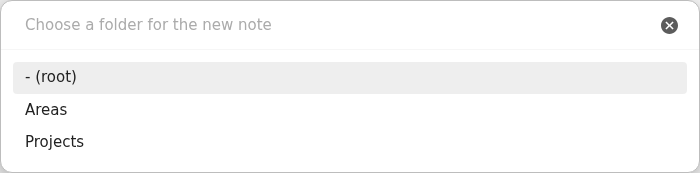
- The folder picker offers the notes folder root and its descendants, but nothing outside the configured folder.
- The notes folder root is the default choice.
- Selecting a folder immediately creates
Untitled.md; collisions receive numeric suffixes such asUntitled 1.md. - The created note starts with
status: openfrontmatter. - The new note opens immediately in Obsidian for editing.
- A note created in the notes folder root appears in Inbox until it is moved into a context folder.
What it looks like
Section titled “What it looks like”Choose a notes folder location
Section titled “Choose a notes folder location”